
Next modernisation
It is amazing how many old but still working IT systems are out there. Sometimes it feels like there was only little IT Development in the 80th / 90th but whatever was built at those time was built to stay forever.
In 2018 I got the change to join another modernisation initiative.
The different legs of the "face life" were:
- Migrate from oracle RDB to Postgres SQL database
- Change from open VMS to Linux
- Change from Pascal to C++
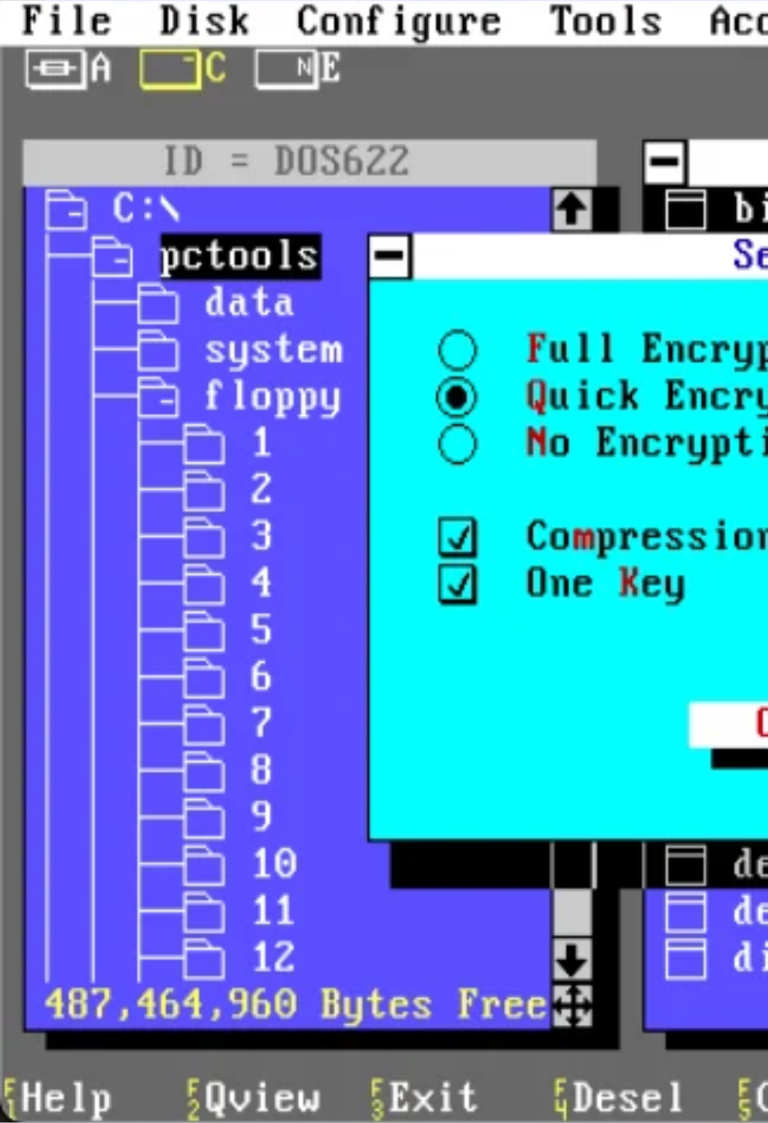
- Replace old DEC screens with modern WebUI
So basically, re-do the entire thing while keeping the proven business logic. I was involved in the last part with the migration of the User interfaces.
What happened?
The old system which served the customer for appr. 30 years very well, reached its limitations.
It became more and more difficult to get hardware which supported it, to find resources which knew how to maintain and adjust it, to attract or educate new co-workers, and so on.
The old platform required local servers which increased complexity and costs for the expansion plans.
Still the old system contained so much business logic that it was very hard to be replaced by a standard bought solution. So even though the "buy - track" was not off the table, the decisison was taken to work as well on the different modernisations of the existing application.
While this sounds a bit like a waste of money and resources, there were good reasons for this two-fold strategy. Some elements of the old application finally ran out of support and two "buy-tracks" failed already during the previous 10 years.
So there was a significant risk of massive business disturbences if a third buy approach would fail again.
From
To
Where to start
Quite typical for a core system which has evolved for such a long time it grew over the years into a hard to grasp monolith.
So we started with identifying all 200 + screens in the old application and grouped them according to processes.
First and probably most important step was to find all those functions which should not exist at all anymore or at least not inside this application. Based on that several screens were identified which were flagged for "remove without replacement" and "replace in different area". A good example was the range management. The options to order, create or remove articles, to activate them for sales, put a sales stop or a quality stop all still existed in the application, but were not supposed to be used anymore, since the responsibility for these actions was moved already years ago to central departments using different applications.
There were plenty of such "function corps" so functional reduction was an important first step to identify those user interface which did not require any facelift.
Grouping
All remaining screens were grouped under two aspects: Process and usage / technical requirements.
The usage part was mainly to differentiate between everything which is used ad hoc by any user on the one side and tons of functions which were used to schedule specific functions in batches.
The entire "batch handling" was cut out as an own track to replace the unflexible batches with a modern and more flexible scheduling module where needed or to replace the batch calculations where possible with instant calculations. E.g.: Do we need a batch which calculates every evening the average sale for the entire range or can we update the average sales per article instantly and permanently at every point of sale.
Now we were left with few areas only and each of those had a collection of several screens to be replaced.
For each of those areas we did a detailed process analysis as well as a detailed check around legal requirements, to ensure that we do not transfer functionality which is not needed anymore but as well include functionality which is needed for legal compliance, but today only covered via workarounds like excel sheets, filed screenshots or similar things.
Once done with the grouuping, we presented the plan to our stakeholders and started the actual development.
Result
Based on a lot of user interviews and the detailed process analysis we ended up with a reduction of the user interfaces from 200+ to bit more than 20.
Two examples of the improvements.
The old screen used to maintain the racking structure as such was a text-based table view, which easily could hold 500 pages with one row per racking location. Mass updates where possible but required a lot of knowledge on how to handle the screen (e.g. ctrl-shift-F6 represented "save").
This has been replaced by a 3d graphical representation of the rack with easy selection and update options as well as color coding to visualise problems and statuses of different locations.
The old article information screen displayed around 120 attributes spread out over 4 sub screens.
In the new screen the attributes are grouped in so called information blocks. The user can - based on his or her role - select which blocks should be shown and which are hidden. It is as well possible to place those blocks in the preferred sorting on the screen. Every user can save up to 4 different layouts which are used for the big monitor, a tablet and a handheld view, plus one additional which pops up as a side bar whenever the user clicks in any other screen on an article number.
System specific end-user education has dropped basically to 0 since the new screens are pretty much self-explaining. Some on screen support realised as tool tips supported by entire screen walkthroughs completed the system eductation package.
Once all 4 sub streams were completed the customer ended up with a new and modern application which runs in Chrome or edge and can be hosted without any local hardware, simply in a Docker container. But all the customer specific business logic, which contributes to efficiency and competitive advantage for the customer, was kept.
Conclusion
Similar to other projects it showed again that a well-done process analysis supported by end user surveys results in stable requirements which can be implemented in a straightforward way based on a well though through IT architecture.
For me this project resulted in significant learnings when it comes to legal requirements and compliance. It confirmed as well that internally built applications have a lot of benefits over bought applications and that I would always recommend investing the time in the thorough analysis to which extend the capabilities which are supposed to be covered belong to the company's core business and if they are part of the competitive advantage of the company.
Those areas are in most cases better, cheaper and quicker to be covered by self-build tools.
Areas which are standard and the same in your company compared to others can often be covered easily by bough applications. The old application we worked on had for example a lot of reporting functionality. That entire section has been replaced by a proper integration towards a data warehouse, and the entire reporting is now running a lot better based on a bough reporting platform.
Build versus Buy is a critical decision and should never be taken easy.